 |
|
||
|

|

|
|||||||
| Avisos |
| Samsung Galaxy Note II Para hablar del nuevo hermano mayor del Note |
 |
|
|
Herramientas |
|
#1
 02/10/13, 15:45:49
|
||||
|
||||
|
N7100XXUEMI6 – Leaked Android 4.3 test firmware for Galaxy Note II (GT-N7100)
N7100XXUEMI6 – Leaked Android 4.3 test firmware for Galaxy Note II (GT-N7100)
10 Follow: Firmware news Firmware news Android 4.3 Galaxy Note II GT-N7100 Leaked Firmware 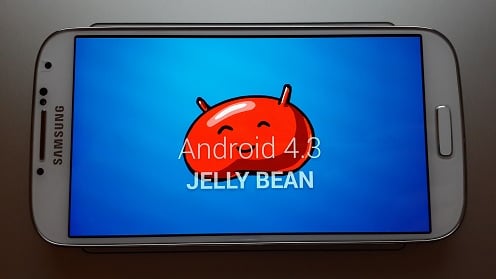 An Android 4.3 test firmware for the Galaxy Note II (GT-N1700) – N7100XXUEMI6 – has been leaked by tinhte.vn forum member HappyKing, which was then later posted on XDA forums by rayblo. N7100XXUEMI6 is the first ever Android 4.3 leak for the Galaxy Note II (GT-N7100). An Android 4.3 test firmware for the Galaxy Note II (GT-N1700) – N7100XXUEMI6 – has been leaked by tinhte.vn forum member HappyKing, which was then later posted on XDA forums by rayblo. N7100XXUEMI6 is the first ever Android 4.3 leak for the Galaxy Note II (GT-N7100).It’s a pretty early build because Samsung has just started testing Android 4.3 for the Galaxy Note II a week ago, in total there are only three test builds compiled by Samsung for the Note II. So keep in mind that there might be a few bugs here and there, so make sure to backup all your stuff before flashing this test firmware on your device. In the Android 4.3 update, Samsung has updated the core UI elements to more like Galaxy S4/Note 3′s interface, including the tabbed settings. Samsung has included many new features in the Android 4.3 update, many taken from the Galaxy S4/Note 3. Samsung Knox and Samsung Wallet are also present in this test firmware. Android 4.3 update is still under heavy development and Samsung may add more features before rolling out the official update itself. Model: GT-N7100 Country: Open Europe Version: Android 4.3 Changelist: 1750609 Build date: Fri, 25 Sep 2013 18:06:49 +0000 Product Code: OXA PDA: N7100XXUEMI6 CSC: N7100OXAEMI6 MODEM: N7100XXUEMI6 Download: AP_N7100XXUEM16_CP_N7100XXEM16_CSC_N7100XAEM16_BY_ WVAZ_DINK.zip (Password: wagnervaz) NOTE - This test firmware will NOT increase your binary counter NOR void your warranty. - This test firmware is a pre-release firmware and not official from Samsung. INSTRUCTIONS - Extract (unzip) the firmware file - Download Odin3 v3.09 (From here or here) - Extract Odin .ZIP file - Open Odin3 v3.09 - Restart phone in download mode (Press and hold Home + Power + Volume down buttons) - Connect phone and wait until you get a blue sign in Odin - Add AP_N7100XXUEM16_CP_N7100XXEM16_CSC_N7100XAEM16_BY_ WVAZ_DINK.tar to AP - Make sure re-partition is NOT ticked - Click start button, sit back and wait a few minutes. - If you encounter any issues with the firmware (Any FC, Bootloop etc) - Boot into recovery mode (Home+power+vol up) - Choose to wipe/factory reset. (THIS WILL ERASE ALL OF YOUR DATA INCLUDING YOUR INTERNAL SD CARD!) - Then choose reboot and you should be good to go! SCREENSHOTS 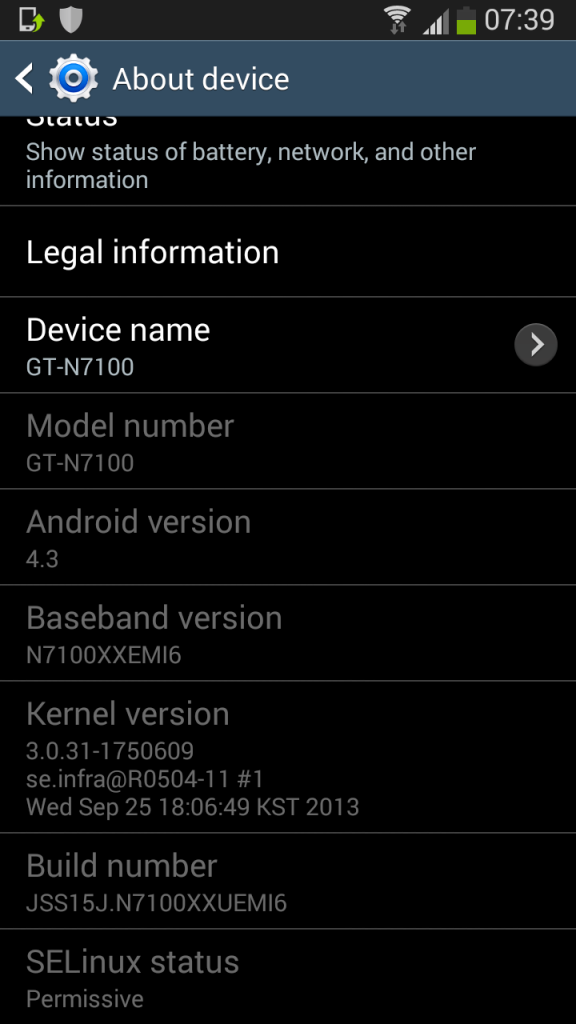 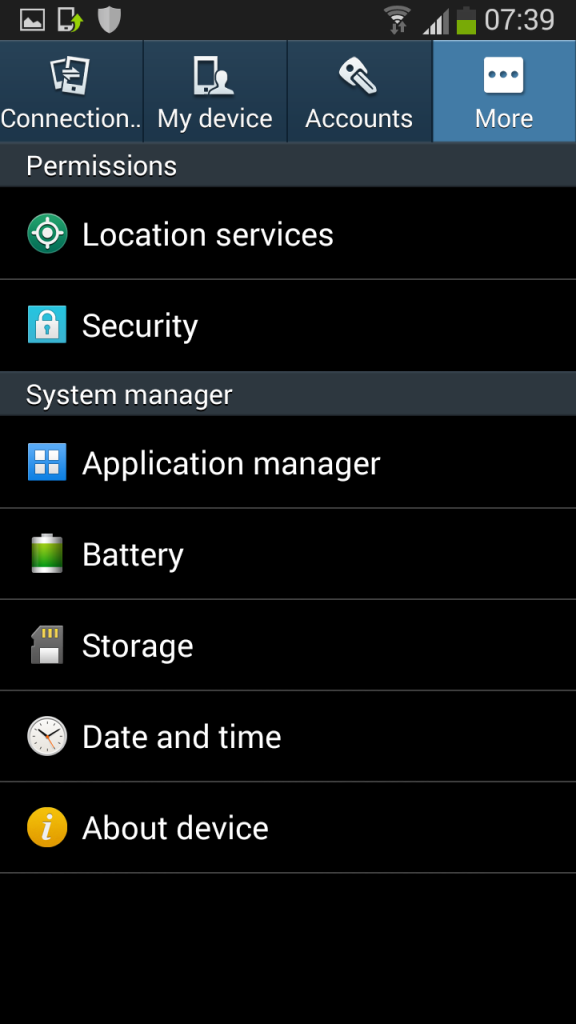 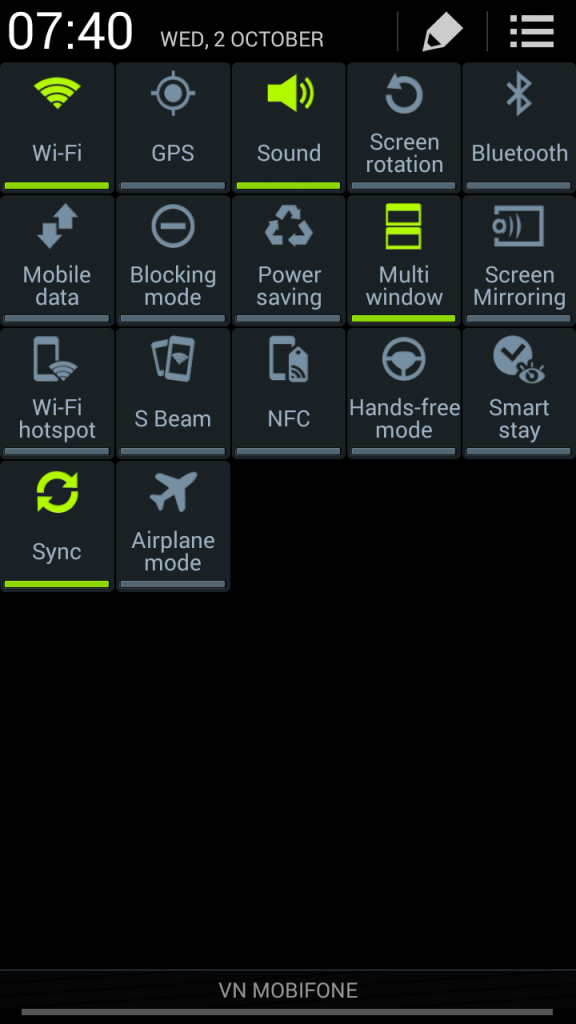 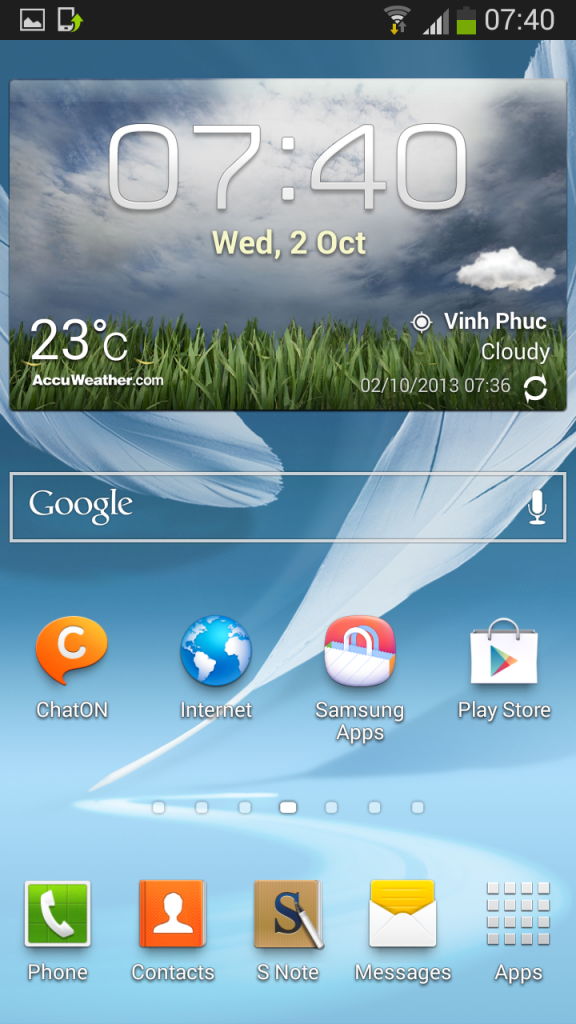
|
| Los siguientes 5 usuarios han agradecido a cullons su comentario: | ||
|
|
|
#6
02/10/13, 20:38:50
|
||||
|
||||
|
si alguien puede hacer un mirror... no se puede acceder al archivo.
si alguien hace un mirror lo descargo y hago otro mirror.
__________________

|
|
#10
02/10/13, 21:33:49
|
||||
|
||||
 Cita: Originalmente Escrito por cullons Cita: Originalmente Escrito por cullons

se lo metere por odin a ver si conserva el root...aunque he leido que no...
 |
|
#11
02/10/13, 22:07:38
|
||||
|
||||
|
Alguien la probo? No tiene nada nuevo del note 3? El s-note, smart pause y todas las funciones nuevas de el s4 y note 3?
|
|
#12
02/10/13, 22:10:32
|
||||
|
||||
|
Con Odin no solo perdéis el root, si no que formatea la tarjeta de memoria interna.
Para hacer root solo hace falta flashear el recovery philz touch y después flashear Supersu 1.65
__________________
 |
| Gracias de parte de: | ||
|
#13
02/10/13, 22:16:00
|
||||
|
||||

Buenas:
Lo primero y ante todo, gracias Cullons por traernos esta noticia.  Lo segundo es que, y a la hora de moverte el hilo al apartado de ROM's y desarrollo, he visto que ya hay un hilo con la misma información. Y ese hilo tiene más mensajes/visitas, aparte de que fué creado antes que este, por lo que y si me lo permites, cerraremos este para que no haya, en el mismo apartado, dos temas iguales. Espero que no te sepa mal esta decisión.  Podemos seguir el debate en ESTE HILO. Gracias. SalU2.
__________________
 Última edición por PALMATRON Día 02/10/13 a las 22:18:17. |
| Gracias de parte de: | ||
|
 Estás aquí
|
||||||
|
||||||


![Array
[xs_avatar]](https://avatar.htcmania.com/avatares/unknown.gif)

![Array
[xs_avatar]](https://avatar.htcmania.com/avatares/avatar192902_45.gif)
![Array
[xs_avatar]](https://avatar.htcmania.com/avatares/avatar266446_9.gif)

![Array
[xs_avatar]](https://avatar.htcmania.com/avatares/avatar16370_2.gif)
![Array
[xs_avatar]](https://avatar.htcmania.com/avatares/avatar1004767_2.gif)
![Array
[xs_avatar]](https://avatar.htcmania.com/avatares/avatar57258_1.gif)
![Array
[xs_avatar]](https://avatar.htcmania.com/avatares/avatar167068_1.gif)
![Array
[xs_avatar]](https://avatar.htcmania.com/avatares/avatar182045_57.gif)
