 |
|
||
|
#1
 04/02/26, 12:00:00
|
||||
|
||||
 ACEMAGIC RX16 Laptop Review
ACEMAGIC RX16 Laptop Review  I have with me the ACEMAGIC RX16, a laptop that promised a lot on paper, but once you have it in front of you and start tinkering with it, you realize that the brand has really gone all out. We are not facing the typical run-of-the-mill office machine; this beast mounts one of the latest AMD processors under a construction that surprises with its solidity and finish, seeking that difficult balance between brute power, portability, and a price that doesn't force us to take out a second mortgage. I've been pushing it hard for a few days, squeezing that latest-batch Ryzen processor and checking if that aluminum chassis really holds up when we demand real performance. I am going to tell you my real usage experience, leaving marketing aside and focusing on what really matters to those of us looking for an "all-terrain" computer that serves us both to work at full capacity and to enjoy some leisure time or video editing. If you are looking to renew your laptop and want to know if this ACEMAGIC is the hidden gem you were waiting for, stay tuned because the benchmark data and the feelings it has left me with are worth considering. Let's take a look.  Let's start by reviewing the package we received and its contents. 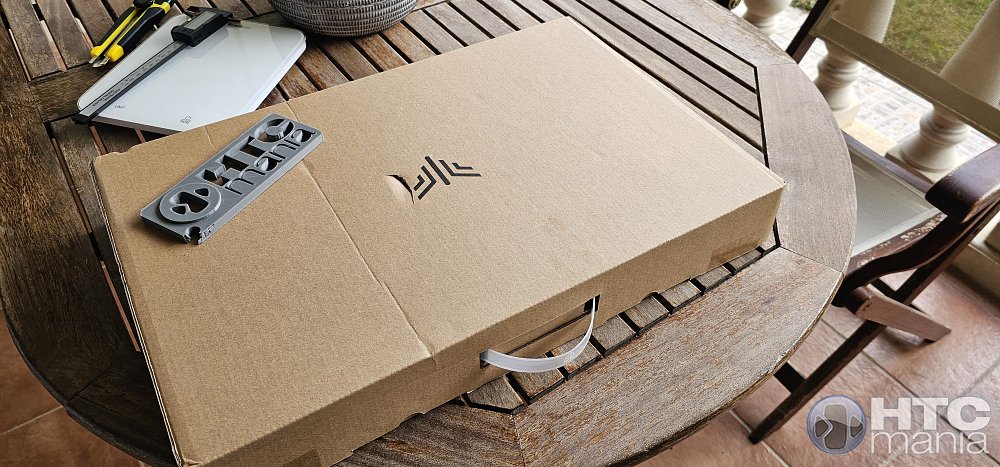 Right off the bat, we can see some of the most outstanding specifications of the device: AMD Ryzen 7 H 255 processor, 16GB of RAM, 512GB of storage... very good specs on paper. 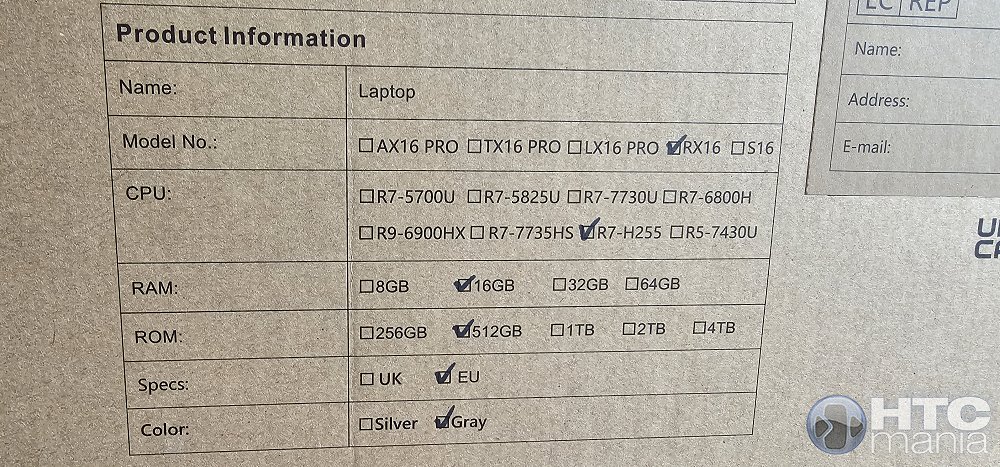 This is everything the box contains. 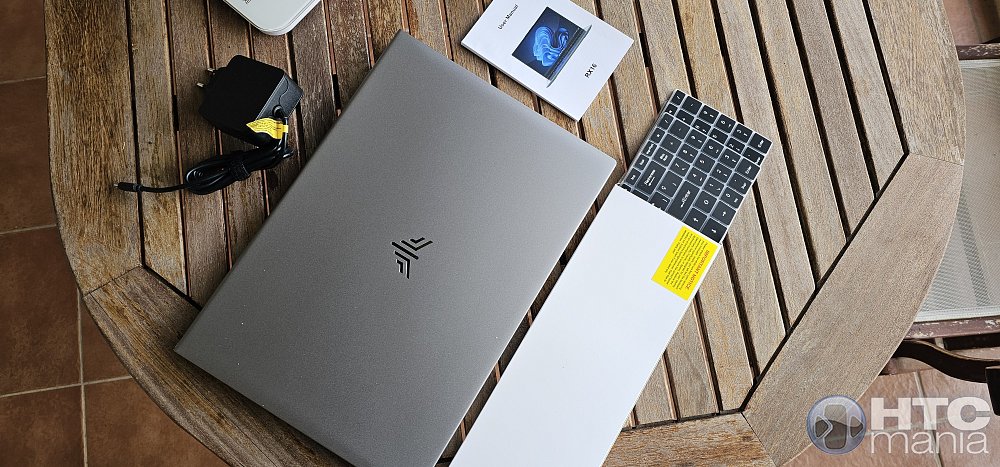 The first thing we see here is one of those silicone templates to place over the keyboard to "convert" it to Spanish (or other layouts). Personally, I prefer to use the laptop without this type of add-on, because in the end, the keys are always where they need to be regardless of what is printed on top. 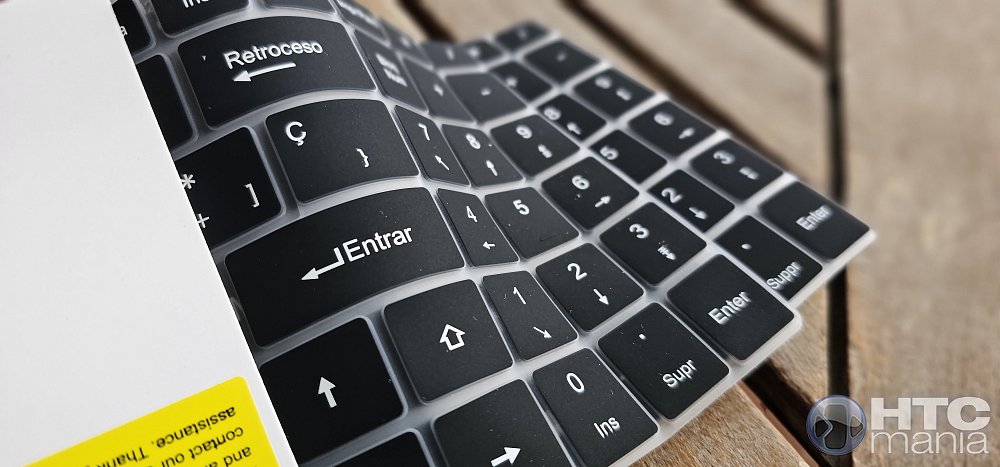 The manual is in Spanish (and other languages), with fairly high-quality glossy paper. These small details are what hint that the product is also of high quality. 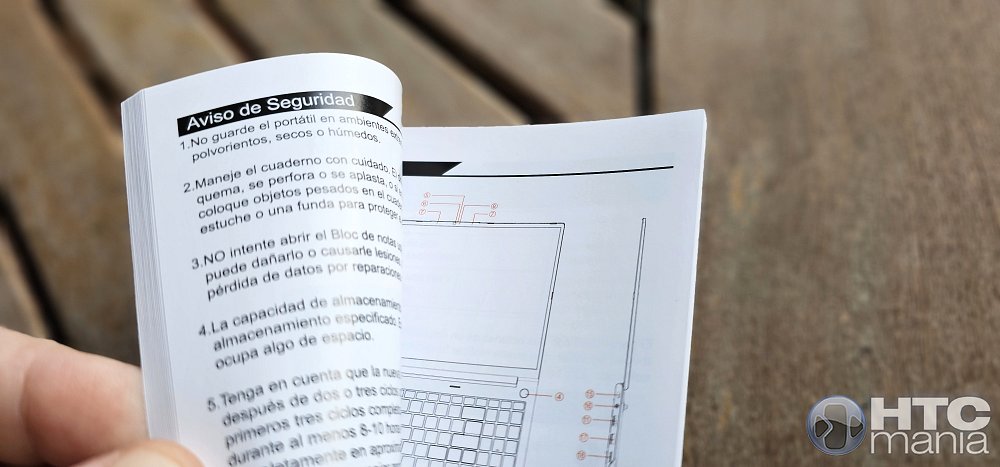 The charger is included, with up to 100W of power (20Vx5A). 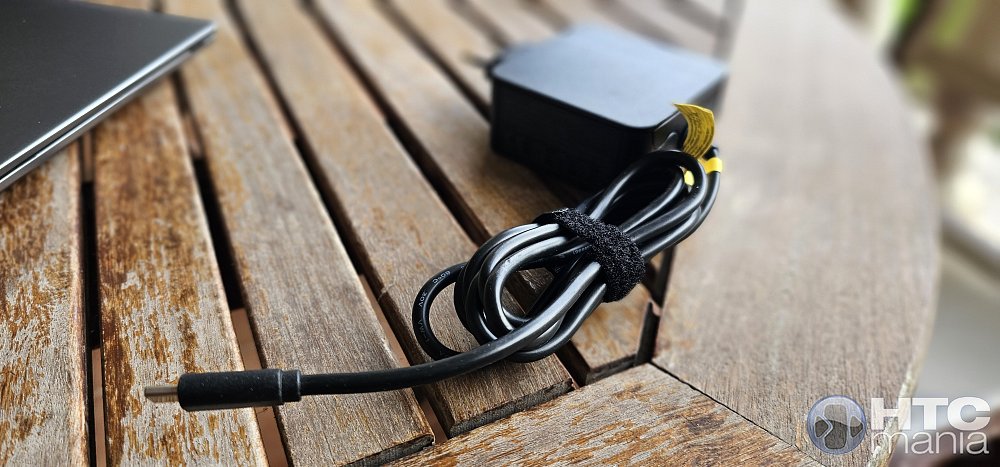 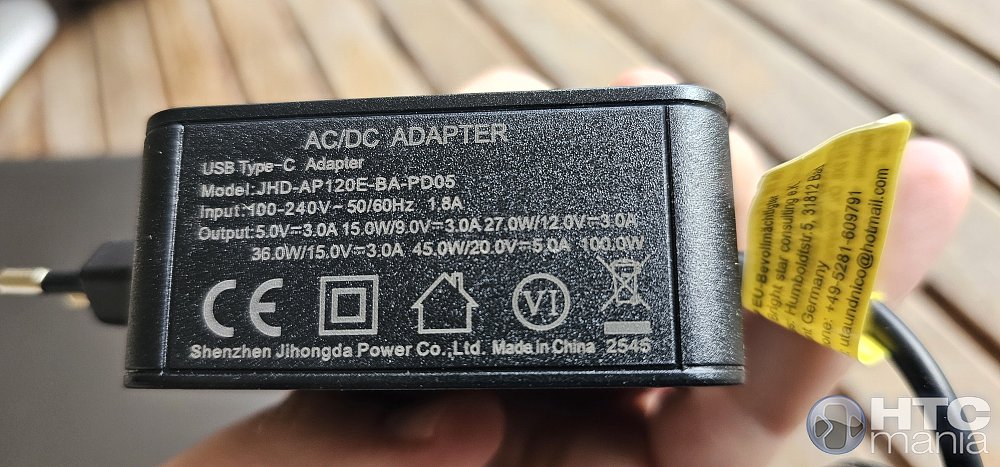 And here is our ACEMAGIC RX16 laptop. 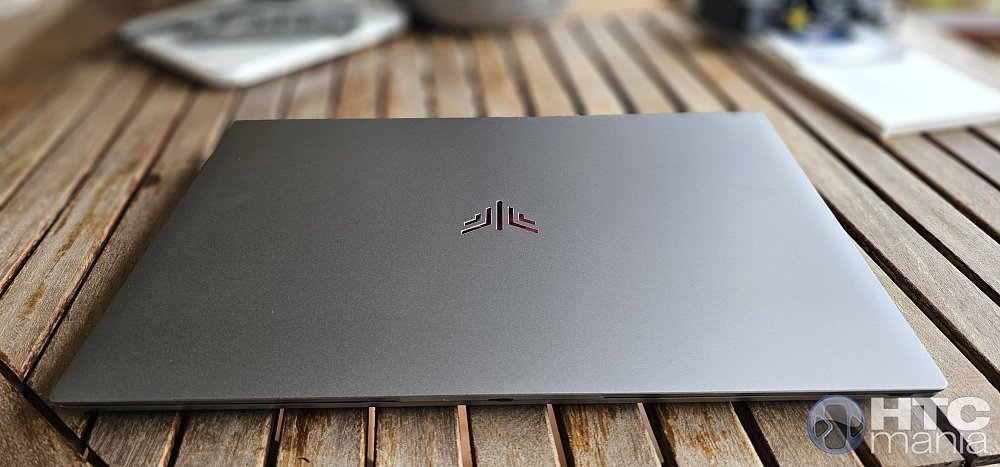 The first thing that catches your attention in your hands is that, visually, it does not look like a budget laptop. The brand has done an excellent job with the choice of materials, betting on an aluminum alloy in a large part of the chassis that gives it a cold touch and a structural rigidity far superior to what we usually see in this segment. It is not the typical laptop that creaks when you lift it by a corner or when you press the center of the keyboard. With a thickness of just 19.9 mm and a weight of around 1.85 kg, it feels like a very balanced team: light enough to carry in your backpack without destroying your back, but with the necessary heft to feel that you are carrying something well built. In addition, the matte graphite gray finish is very elegant and quite clean against fingerprints, something that those of us who are "maniacs" about cleaning will appreciate. 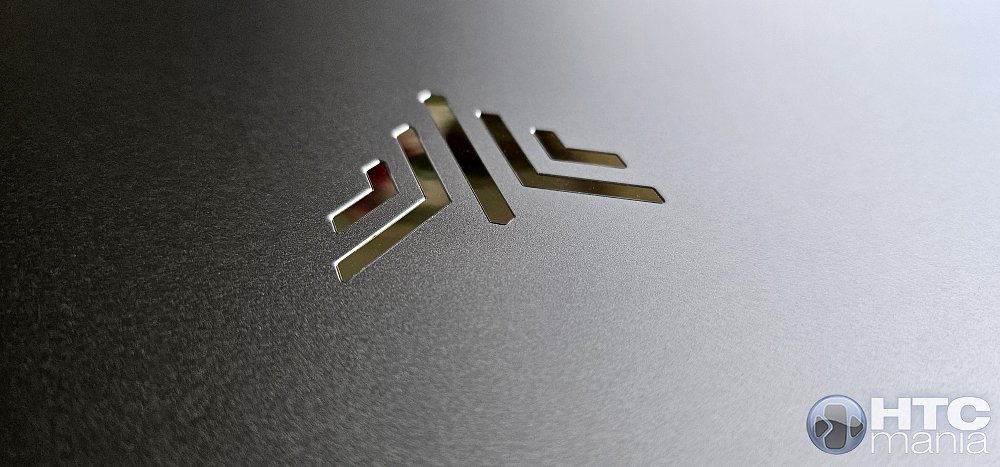 A detail that has won me over is its hinge with 180-degree opening. It seems silly, but to work in weird positions or show something to someone in front of you, it is a comfort that, once you have it, you miss in other models. 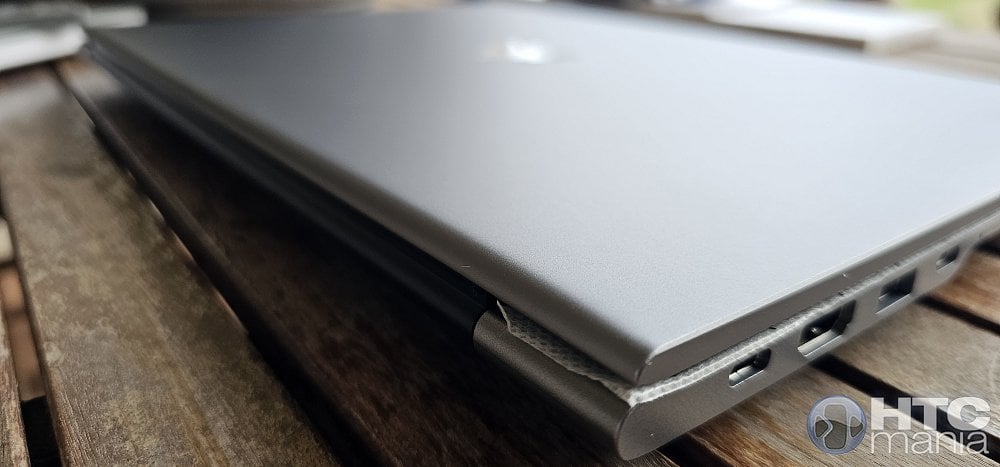 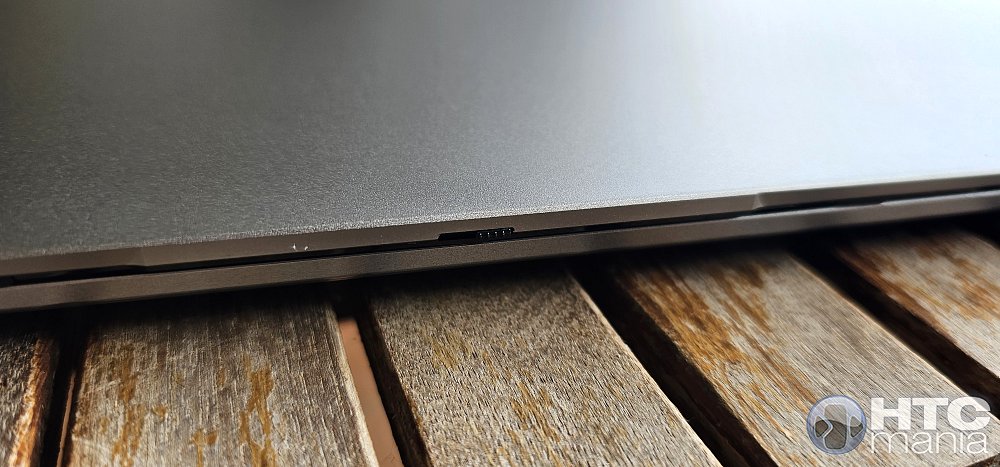 If we open the lid, we find a very decent use of the front. They have managed to fit a 16-inch panel with a 16:10 aspect ratio (ideal for productivity because you have that extra vertical space) in a body that is not much larger than a traditional 15.6-inch one. 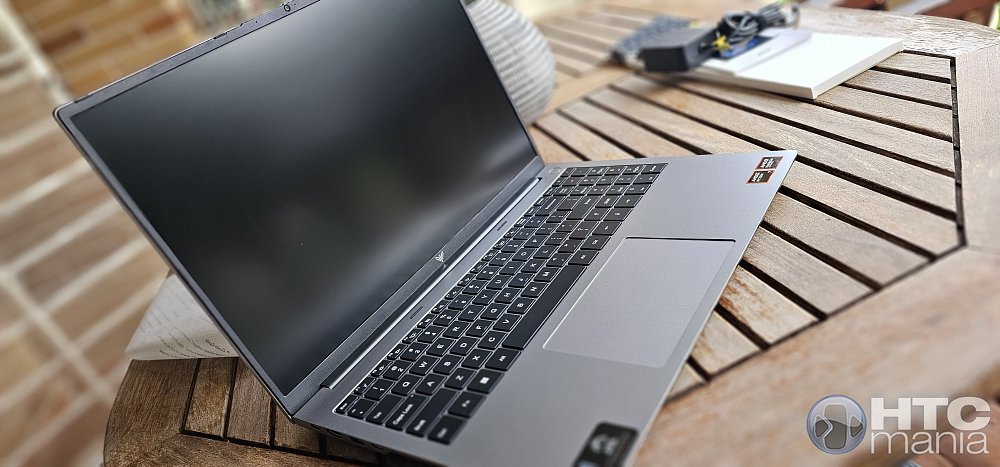 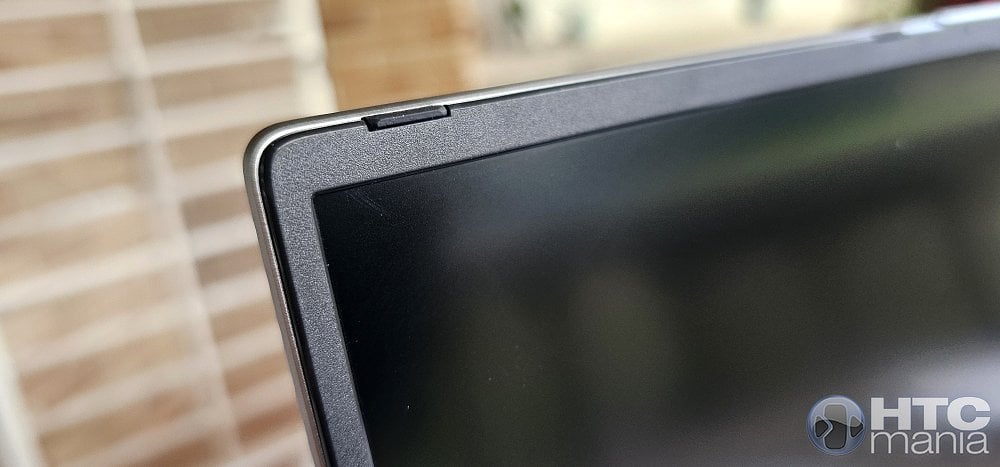 The keyboard is another strong point: it is chiclet type, with a very balanced key travel that allows typing for a long time without fatigue. The best thing is that they have not sacrificed the number pad, something vital if you usually work with data or macros, and it comes backlit, which is already a standard but here it is appreciated for the uniformity of the light. 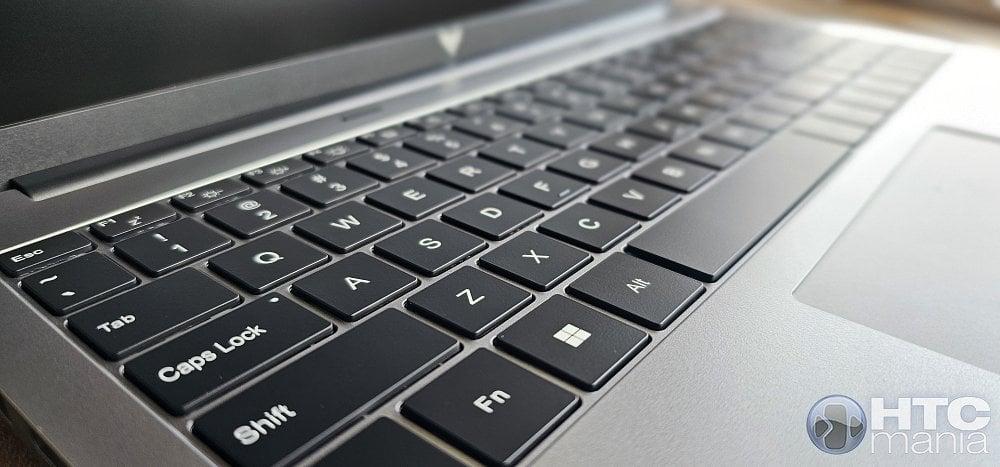 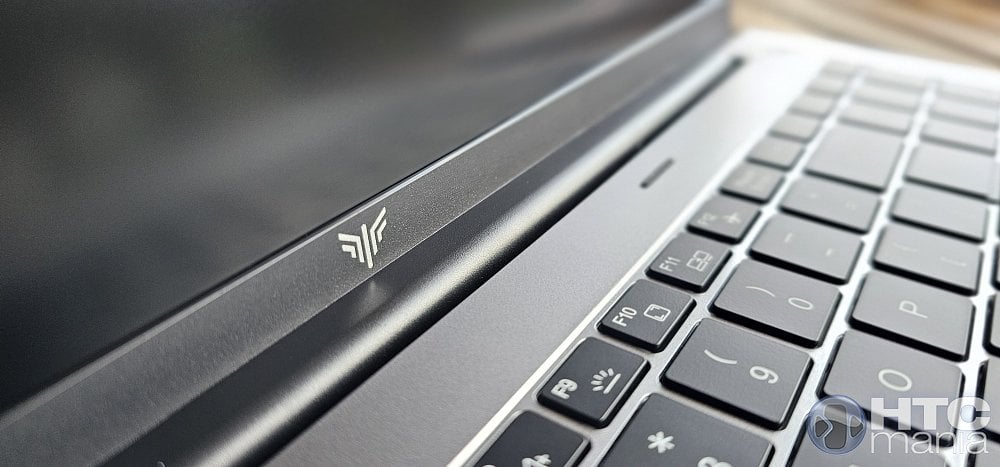 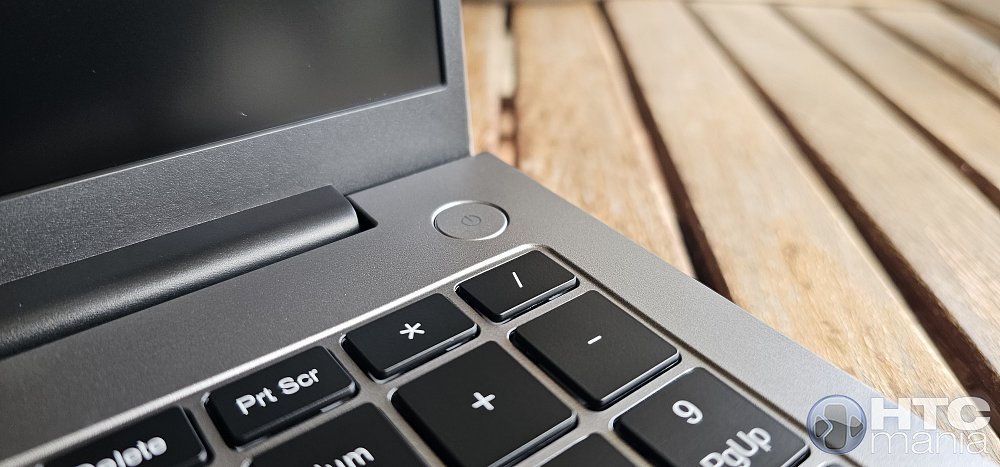 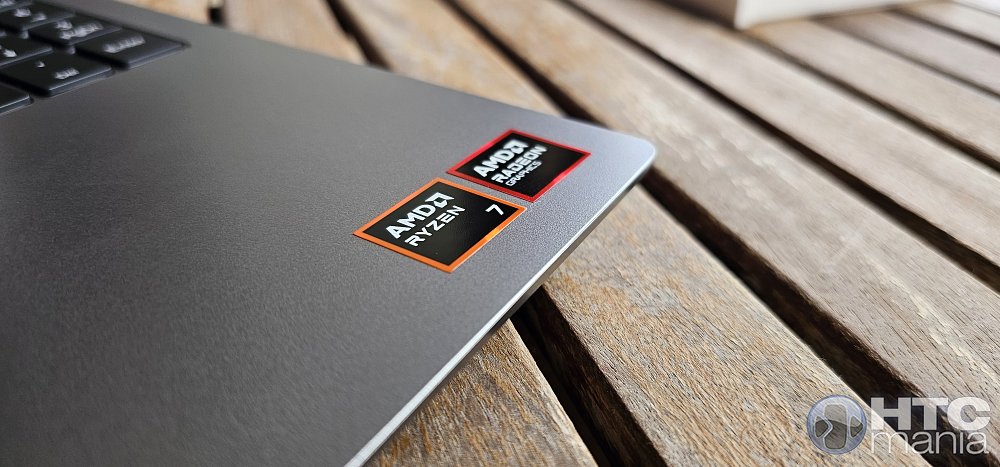 At the top of the screen, they have integrated a webcam that, beyond fulfilling its duty for video calls, includes a physical tab to cover it. It is an "analog" privacy detail that is certainly valued, as it saves us from having to stick stickers or pieces of tape. 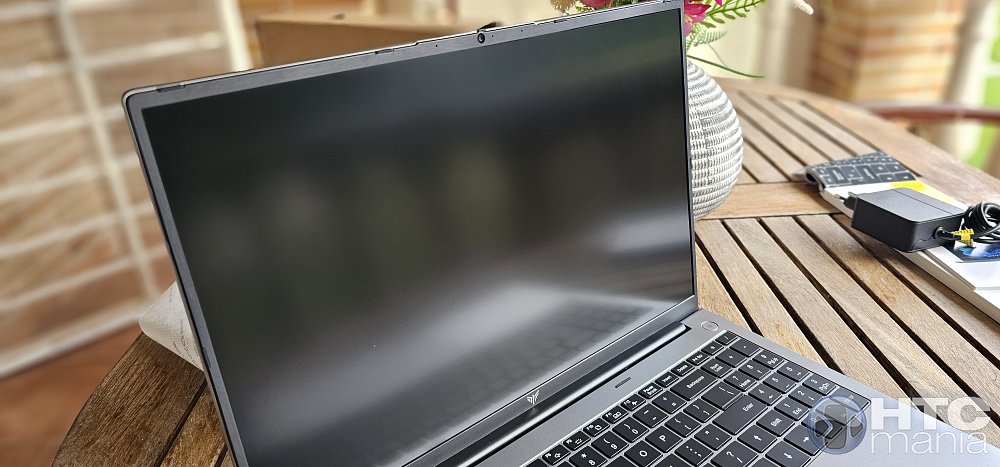 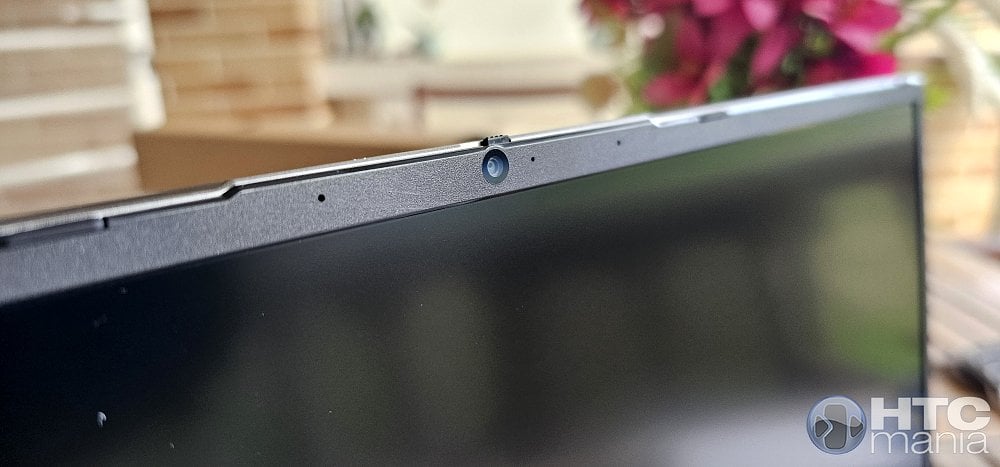 The trackpad, for its part, is generous and is slightly shifted to the left to align with the space bar, responding precisely to Windows gestures. 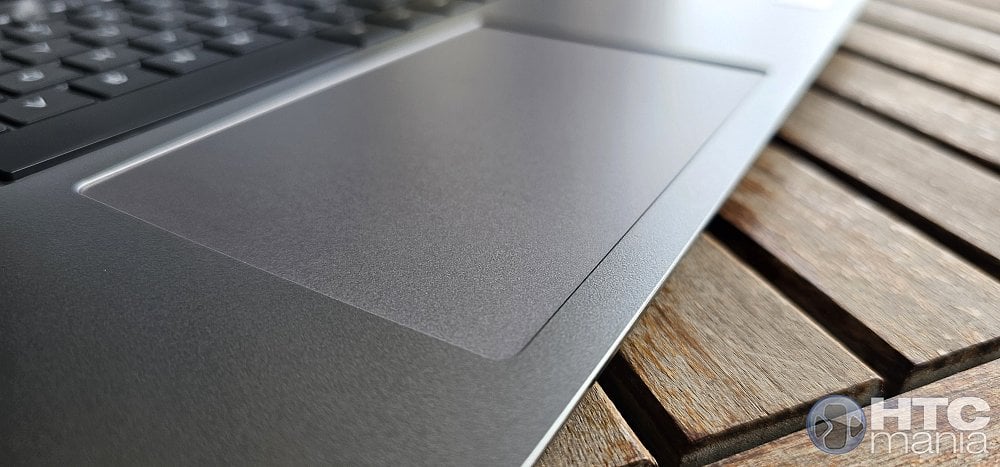 Entering the field of interfaces, which is where many brands usually cut back to save costs, the ACEMAGIC RX16 stands out spectacularly. On the left side we find the "command center": two full-function USB-C ports, one on each side. This is important because they not only serve to transfer data at high speed (up to 20Gbps according to the standard), but both support PD (Power Delivery) charging and DisplayPort video output. This means that with a single cable you can charge the laptop and output image to a 4K monitor at 60Hz. Right next to it we have a full-size HDMI 2.0 port, no "mini" or "micro" versions that force you to buy specific adapters, and a USB 3.2 Gen 2 Type A port for your traditional peripherals. It is a very clean distribution that allows you to have your desk organized even if you are one of those who connects half the office to the laptop. 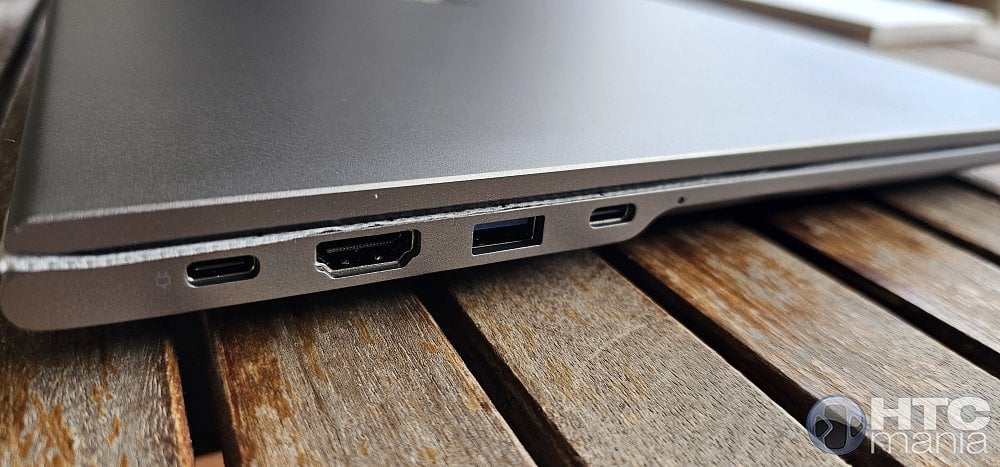 But it doesn't end there, because the right side rounds off the set. We have another USB 3.2 port and an additional USB 2.0, ideal for leaving the wireless mouse receiver or a printer plugged in without occupying the faster ports. I really liked that they keep the 3.5mm jack for headphones and mic, because those of us who play or edit audio still prefer the cable for the zero latency issue. and as the icing on the cake, we have a MicroSD card slot, a lifesaver to transfer photos from your mobile or action camera without complications. 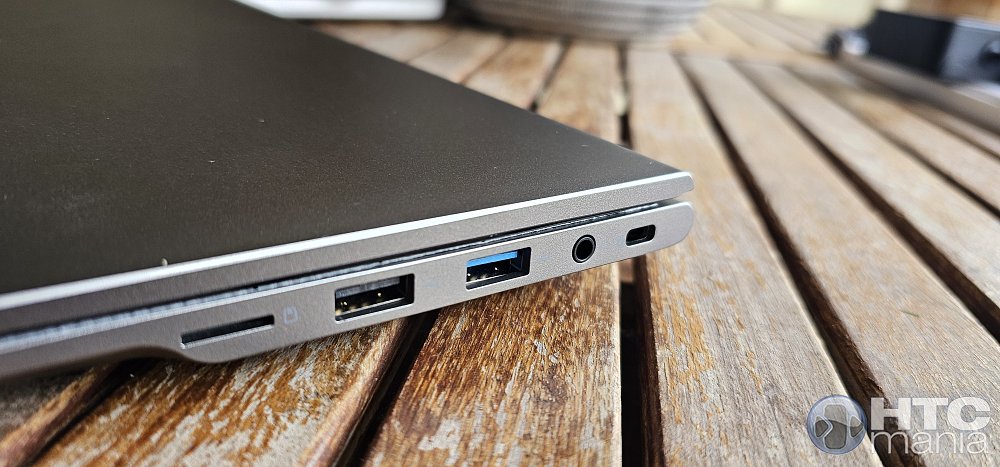 As you can see, in the interfaces section the RX16 is an "all-inclusive": you have the latest in USB-C along with the veteran traditional ports, ensuring that you will never have to carry a USB hub in your backpack again. Let's check the weight to corroborate what the manufacturer claims: 1896 grams. Correct. 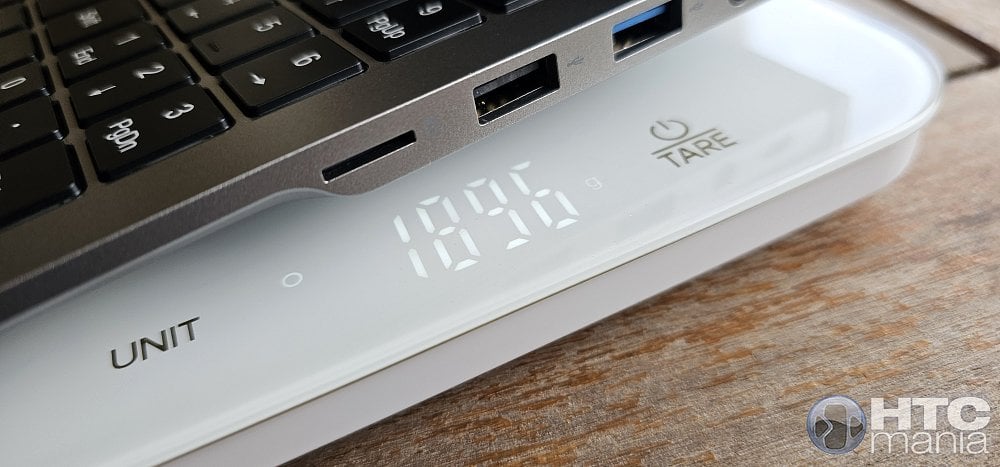 And this is the thickness at the thickest part: 20.8 mm. 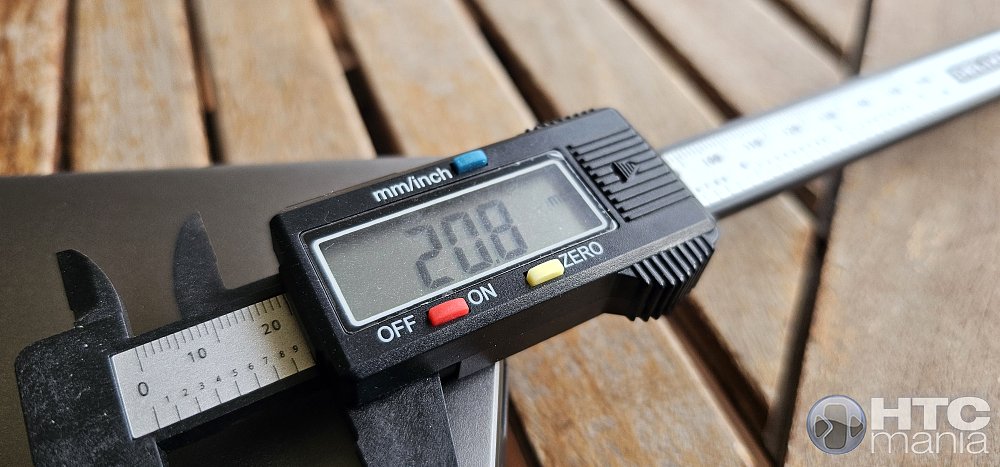 Turning the equipment over to see what the "guts" hide externally, we find a lower area that follows the line of sobriety and functionality of the rest of the chassis. The most striking thing is, without a doubt, the generous ventilation grille that runs along the body longitudinally. It is not an aesthetic detail, but a technical necessity so that the double fan system it incorporates can suck in fresh air without restrictions. 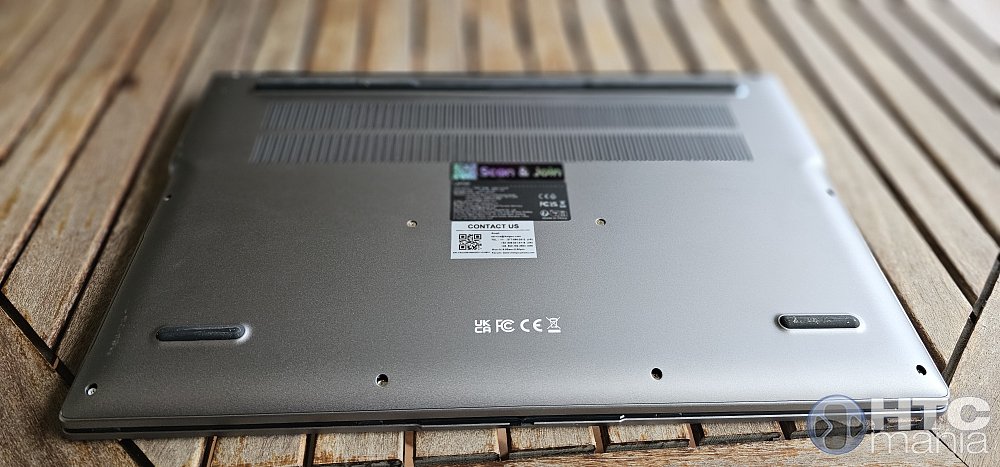 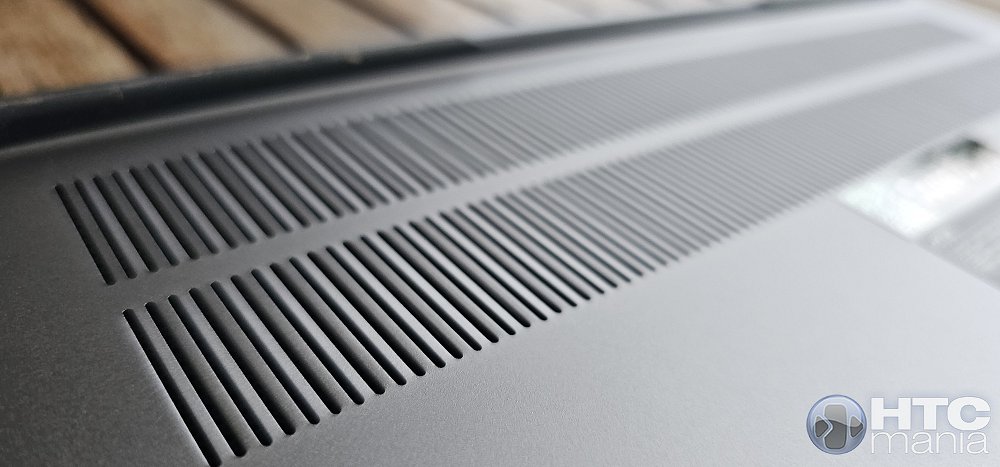 To ensure that this airflow is constant, ACEMAGIC has integrated thick rubber stops that run along the base. These not only fulfill the obvious function of preventing the laptop from dancing or sliding while we type on smooth surfaces, but they have just the right height to slightly elevate the chassis. That extra "gap" or space created between the table and the laptop is vital so that the Ryzen 7 H 255 does not suffocate when we ask for maximum performance, facilitating much more efficient dissipation. 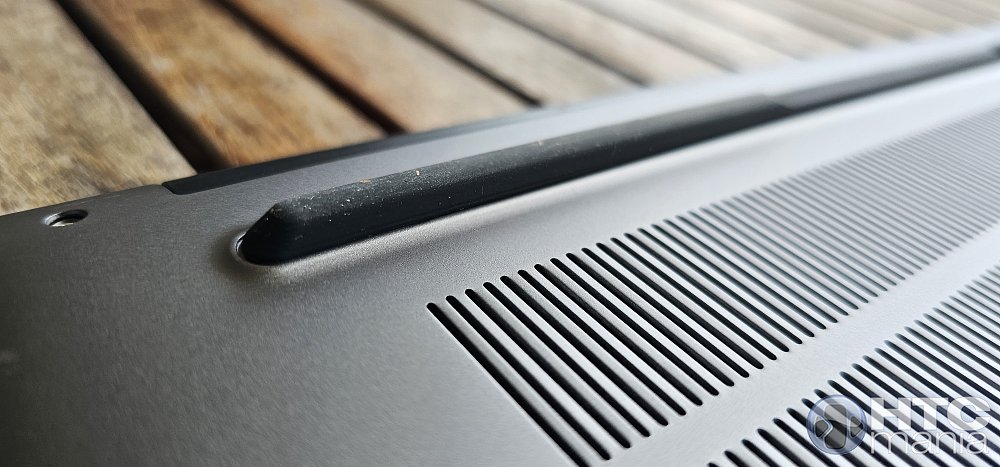 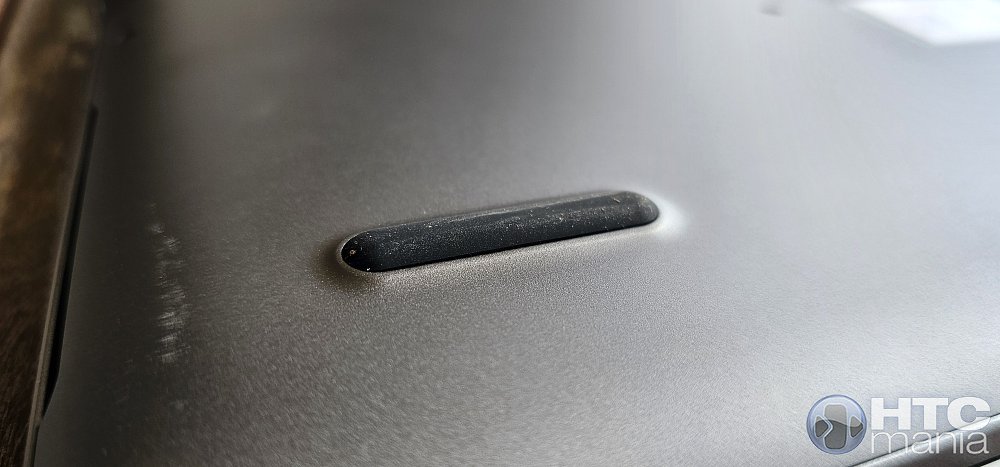 On the sides of this lower area is where the outputs of the two stereo speakers are located. Being located on the curves of the chassis and firing downwards, the sound bounces off the surface where we have the computer resting. 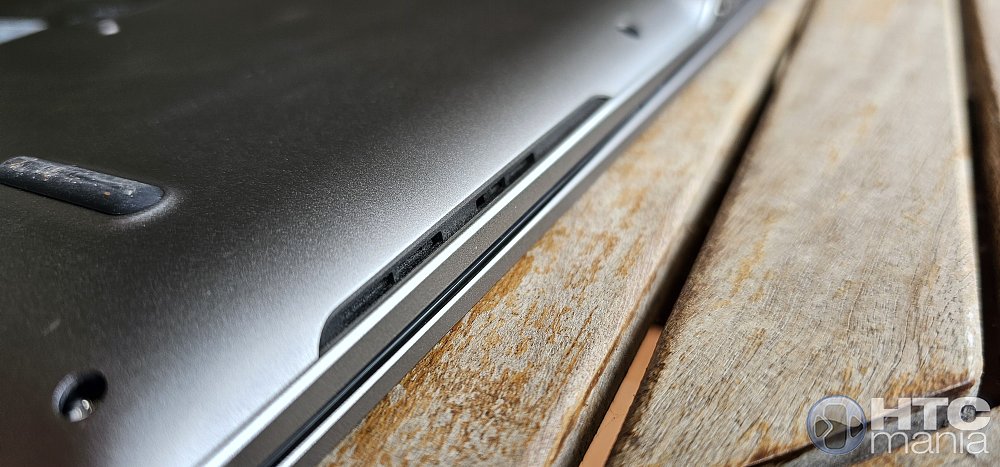 The screen of this ACEMAGIC RX16 is, without a doubt, the absolute protagonist as soon as you open the lid, but it has its nuances that are worth mentioning. We are facing a 16-inch panel with a resolution of 1920 x 1200px, with a 16:10 aspect ratio, something that personally seems like a total success for a team that aims to be productive. That extra height compared to the traditional 16:9 is very noticeable when browsing the internet, writing code, or working on text documents, as it allows you to see more information without having to scroll constantly. The viewing angles are quite good thanks to its IPS technology, and the colors come well calibrated from the factory for general use, with a sharpness that makes working for hours not tire the eyes excessively. 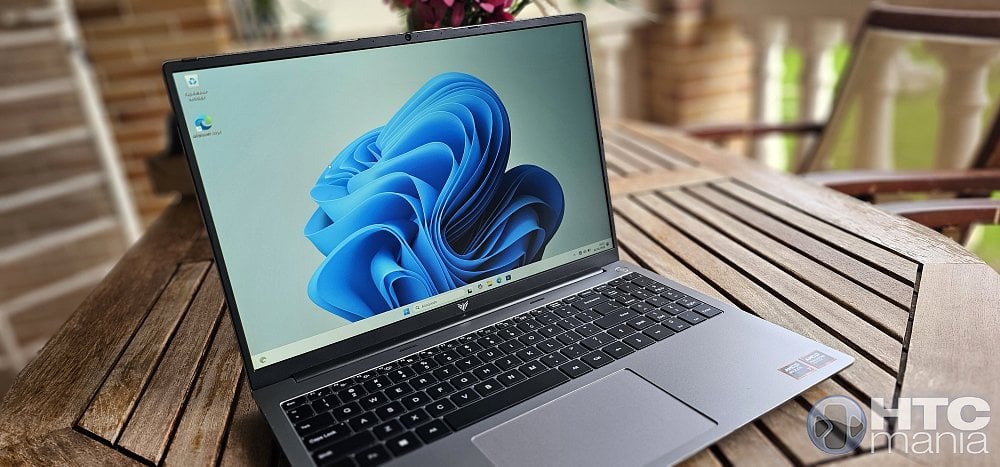 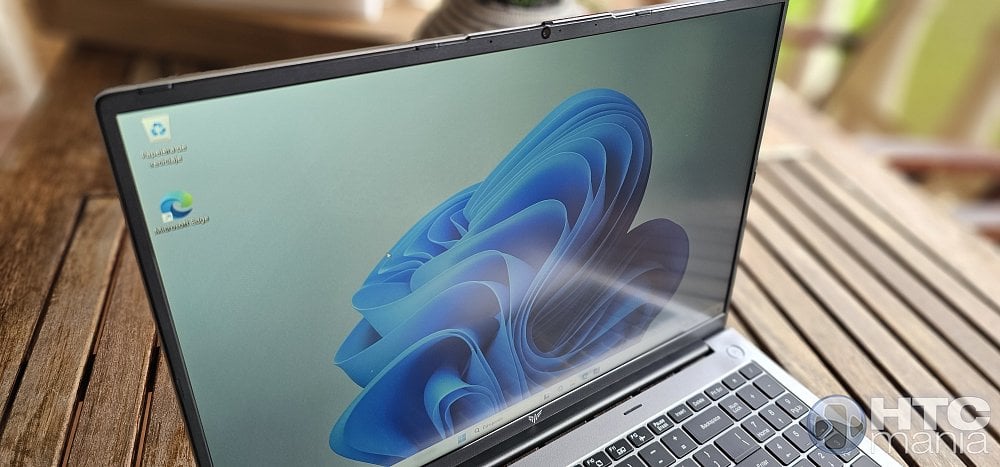 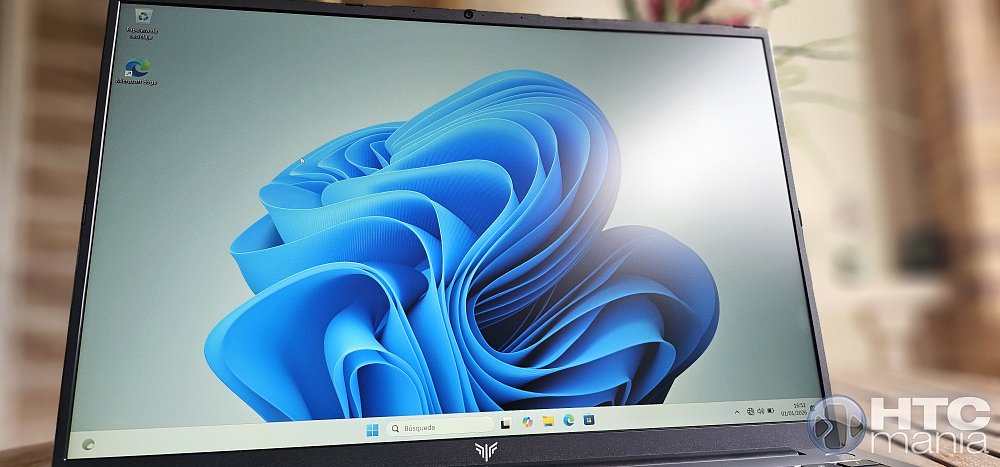 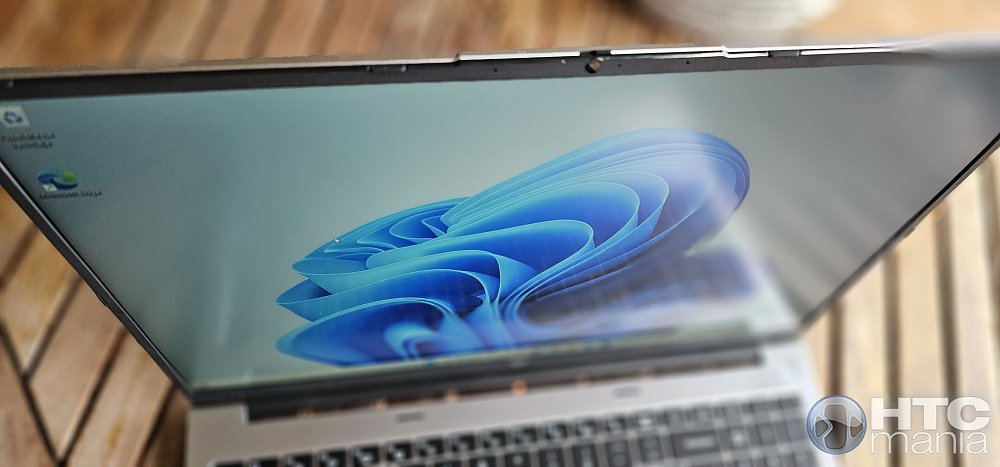 However, although for indoors the screen behaves wonderfully, the maximum brightness level falls a bit short if we try to work outdoors with direct light or near a very sunny window. It is not dramatic if your use is going to be mostly in the office or home, but it is a point to take into account if you are one of those who takes the laptop to a terrace. 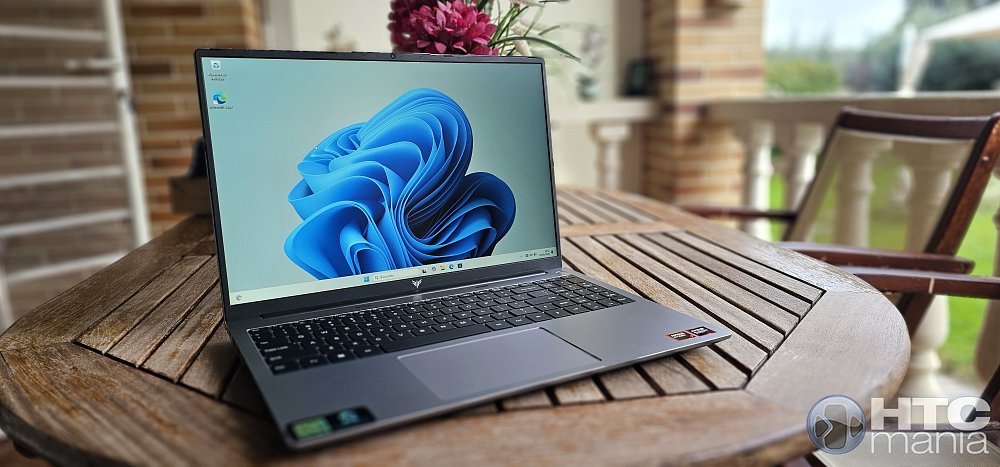 Before continuing, let's see the look in a brief video. Let's go inside and start with the benchmarks. 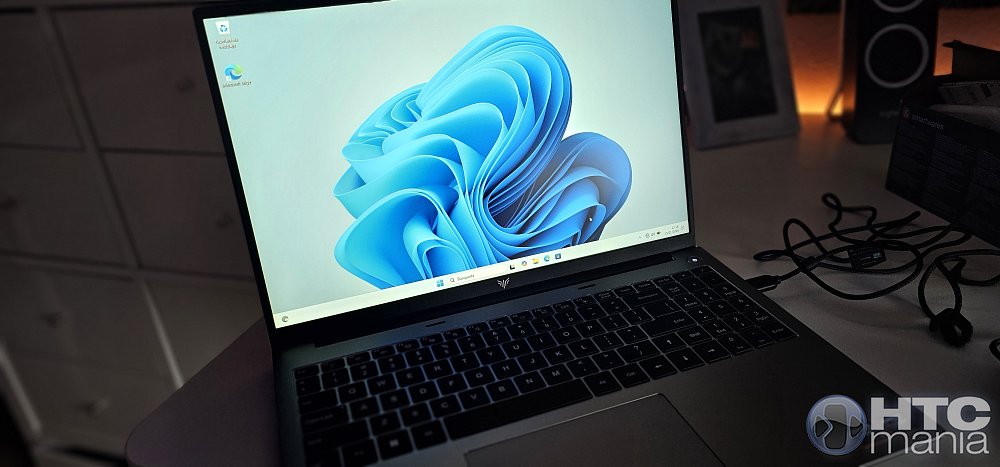 But before starting with the tests, let's talk about the hardware. Under the hood of this ACEMAGIC RX16 we find a pleasant surprise: the AMD Ryzen 7 H 255 processor. For those of you who are not aware of AMD's latest naming dances, we are facing a silicon from the "Hawk Point" family with Zen 4 architecture, manufactured in a 4nm process that is a real marvel in efficiency and power. This processor is not here to play; it has 8 cores and 16 threads capable of reaching a turbo frequency of up to 4.9 GHz. What is most noticeable on a day-to-day basis is not only the brute speed, but how it manages complex workloads without breaking a sweat and, above all, keeping energy consumption at bay. In the tests I have passed, the multi-core performance is simply spectacular for a laptop of this profile, ranking above many recent generation i7s and demonstrating that ACEMAGIC has gone all out by choosing this specific SoC. Accompanying this AMD beast, we have a memory and storage section that follows the same philosophy of not leaving the user stranded. The equipment comes standard with 16 GB of DDR5 RAM at 5600 MHz, a speed that is very noticeable in the agility with which the system moves the heaviest applications. But what we really like is that they haven't soldered the RAM to the board; we have two real SO-DIMM slots, which means that if tomorrow you need to upgrade to 32 GB or even 64 GB, you just have to remove the cover and plug in the new modules. As for storage, the 512 GB NVMe SSD delivers, giving us very high transfer rates that make Windows 11 Pro load in the blink of an eye. In addition, the detail of including a second free M.2 slot is a total success, allowing us to expand the space up to 4TB without complicating our lives cloning the main disk, something that those of us who accumulate game libraries or heavy projects will greatly appreciate. 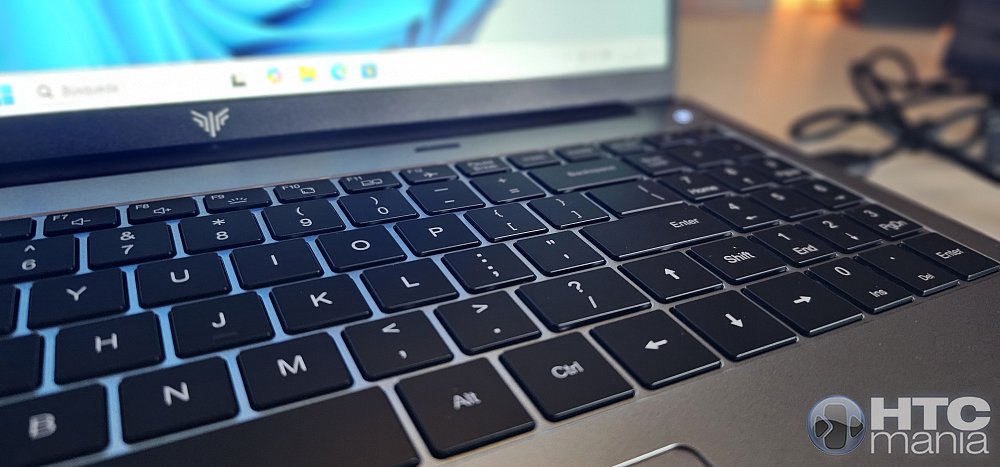 But if there is something that elevates this hardware to another level, it is its integrated graphics section. By mounting a Ryzen with Zen 4 architecture, the RX16 enjoys the AMD Radeon 780M, an integrated GPU that has broken all the schemes of what we expected from a non-dedicated card. With its 12 graphics cores at 2600 MHz, this Radeon 780M allows something that a couple of years ago was unthinkable in this range: playing current titles in 1080p resolution with a more than decent frame rate. We are not just talking about running LoL or CS:GO, but being able to tackle more demanding games by adjusting the details a bit and getting a fluid experience. In addition, for those of us who edit video from time to time or work with applications that use hardware acceleration, the multimedia engine of this APU is a delight, handling modern codecs like AV1 without the main processor barely noticing. It is, without a doubt, a very "round" set of hardware that avoids bottlenecks and gives us a longevity that few competitors can match right now. Let's start with games. Look at how it runs Doom, a heavy game that often chokes many computers without a dedicated graphics card. It runs wonderfully. Now, let's go with the benchmarks, starting with CrystalDiskMark. 
Pulsa para ampliar
×
For those of us who are more meticulous, the CrystalDiskMark 9.0.1 results confirm that the integrated NVMe SSD is very well optimized for the PCIe bus of the equipment. In sequential tests (SEQ1M Q8T1) we reached a solid 3,547 MB/s read and 3,059 MB/s write, figures that place us at the practical ceiling of a Gen3 x4 interface or in the entry range of a balanced Gen4. However, what really guarantees the agility of Windows 11 on this RX16 is the performance in random operations (RND4K Q1T1), where those 31.98 MB/s in reading ensure minimal latency when loading system libraries or cache files of heavy applications. These are numbers that show that there is no bottleneck in storage and that the controller manages work queues perfectly even with the unit working as the main system disk. Turn for Geekbench 6, one of the most popular tests. First the CPU test and then the GPU. 
Pulsa para ampliar
×

Pulsa para ampliar
×
For those looking for empirical data on the capacity of this Ryzen 7 H 255, the results in Geekbench 6 make clear the potential of the Zen 4 architecture. In the CPU test, the equipment yields a score of 2026 in Single-Core, which ensures a very high IPC (instructions per cycle) and an immediate response in bursts of work, while the 8124 points in Multi-Core confirm that its 8 cores and 16 threads manage heavy loads with outstanding efficiency. Moving on to the graphics section, the OpenCL computing test records 23369 points, a figure that positions the Radeon 780M as one of the most solvent integrated GPUs on the market, capable of competing with dedicated entry-level graphics in acceleration and light gaming tasks. Let's go with Cinebench R23 
Pulsa para ampliar
×

Pulsa para ampliar
×
The AMD Ryzen 7 H 255 demonstrates why it is one of the most balanced options at the moment. In Cinebench R23, the team throws a whopping 12,069 points in Multi-Core, which shows that the thermal design allows its 8 cores and 16 threads to work at high frequencies steadily under stress; while in Single-Core it marks 1,228 points, guaranteeing excellent agility in tasks that depend on pure IPC. We still have to run 3DMark 
Pulsa para ampliar
×
To test the Radeon 780M in a modern load scenario, I passed the Steel Nomad Light test from 3DMark, a test under DirectX 12 specifically designed to evaluate the performance of high-end integrated GPUs. The result obtained of 1,498 points, with an average of 11.10 FPS, gives us a very clear x-ray of where this ACEMAGIC RX16 is located. Although performance estimates for Triple A games at 1440p Ultra resolutions place it logically below 30 FPS, these numbers are very positive for an iGPU; they indicate that we have plenty of power to move eSports titles in 1080p with total fluidity and that, adjusting the graphic quality a bit, we can enjoy more demanding games with a very playable frame rate. It is, in short, a rasterization performance that a couple of years ago was unthinkable without a dedicated graphics card, confirming that this AMD SoC is a real beast in the multimedia section. As we usually do, I have also run the HWiNFO 64 program to check all the specifications. First at a general level. 
Pulsa para ampliar
×
The CPU 
Pulsa para ampliar
×
The RAM. 
Pulsa para ampliar
×
The GPU. 
Pulsa para ampliar
×
Storage. 
Pulsa para ampliar
×
Battery- 
Pulsa para ampliar
×
By the way, we had yet to see the system configuration of Windows itself, where we verified, in effect, that we have the Windows 11 Pro version correctly activated. 
Pulsa para ampliar
×
As for audio, as we saw earlier, we find the classic configuration of two speakers located at the bottom of the chassis. The sound is clean and the maximum volume is enough to watch a YouTube video or attend a video call without problems, but do not expect a cinema experience. The sound lacks "body", especially in the low frequencies; the bass is practically testimonial, something very common in laptops of this thickness that do not mount sound systems signed by big brands. It does its job honestly, but to really enjoy a movie or your favorite music while you work, my recommendation is that you use good headphones or an external speaker taking advantage of that 3.5mm jack or the Bluetooth connection. It is here where it is noted that ACEMAGIC has preferred to invest the budget in putting a high-end processor and an aluminum chassis rather than in a high-fidelity sound system. Finally, I didn't want to let the subject of the webcam and integrated microphones pass. The camera is good enough to get by in Zoom or Teams, and although I love the detail of the physical privacy tab, which should be mandatory on all laptops at this point, the image quality is the standard 720p. In good light conditions it defends itself well, but as soon as the lighting drops, some digital noise appears. The microphones, for their part, do a good job canceling part of the ambient noise, capturing the voice clearly so that we are understood perfectly without the need to shout. It is a multimedia section that I would define as balanced and functional: it shines in format and comfort thanks to the 16 inches and the 16:10 ratio, but it reminds us that we are facing a team that seeks efficiency over luxury in secondary details. One of the biggest challenges of mounting a Ryzen 7 of the H series in a chassis as slender as that of this RX16 is, without a doubt, the cooling. ACEMAGIC has opted for a dual fan system assisted by copper heat pipes that, in my experience these days, does a very decent job but with nuances that you should know. In office use, browsing with several Chrome tabs, Telegram open and some documents, the laptop is practically inaudible; the fans are at rest or spinning at such low revolutions that you don't even notice. Now, when you run a Cinebench or start rendering video, the cooling system wakes up and the airflow is noticeable. It is not a sharp or annoying noise like that of other laptops that sound like a hair dryer, it is rather a constant "woosh", but it is clear that to keep temperatures at bay and avoid thermal throttling (that drop in power when the processor heats up), the equipment needs to move a lot of air. The good thing is that the heat is expelled towards the back and not towards the hands, so the keyboard area is always kept at a comfortable temperature to continue working. The noise level reaches 45dB running a demanding test such as Cinebench. 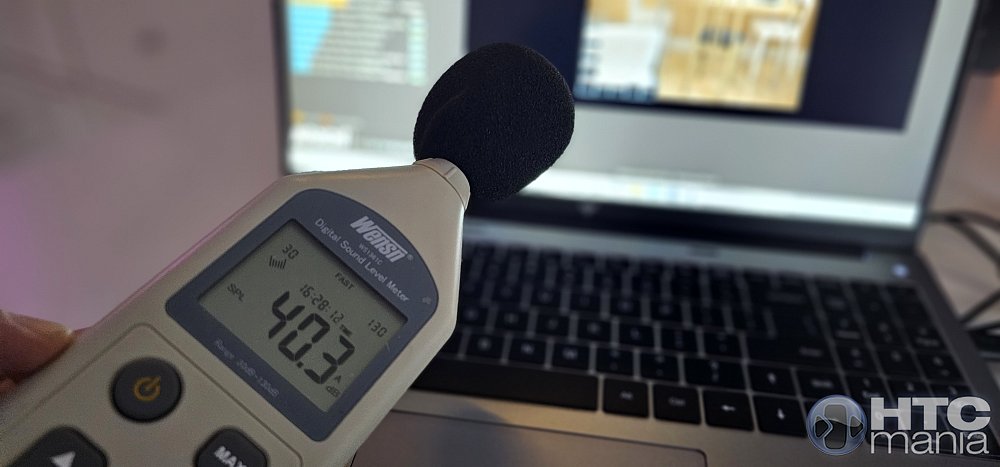 Let's see it in video. As for autonomy, the RX16 mounts a battery that is in the average of what we can expect for its size and power. In real mixed use, with brightness at half and doing productivity tasks, I have managed to scratch between 5 and 6 hours of continuous use. It is not a team to forget the charger all day if you are going to push it hard, but it defends itself well for work sessions away from home. What is a great point in its favor is charging via USB-C with Power Delivery (PD) protocol. This means that you do not necessarily have to carry the original transformer; if you have a powerful mobile charger (65W or 100W) or a monitor that gives power through Type-C, you can charge the laptop without problems. It is a comfort that, for those of us who tend to move around a lot, lightens the backpack tremendously and allows us to unify cables once and for all. After having passed all the rigorous tests, the conclusion with this ACEMAGIC RX16 is clear: it is a statement in the 16-inch segment. I was pleasantly surprised that a brand that we associated more with MiniPCs has known how to transfer that philosophy of "maximum power at a contained price" so well to such a balanced portable format. The combination of the Ryzen 7 H 255 with DDR5 memory makes it a very fast work tool and, thanks to that Radeon 780M, it allows us even joys in the field of gaming that other much more expensive computers can't even smell. It is, without a doubt, a smart buy for those who value pure hardware and expandability over better-known logos. Obviously, no computer is perfect, but the small compromises we may find are quickly diluted when you see the real performance in heavy tasks and the build quality of the chassis. If you are looking for a powerful laptop, with connectivity that makes you forget about adapters and a screen that is a pleasure to look at for hours, the RX16 is one of the most recommended options that have passed through my hands lately. This is the link to the product. Ver producto en  Puedes leer la review en español aquí https://www.htcmania.com/showthread.php?t=1745181 
|
|
|
 |
 Estás aquí
|
||||||
|
||||||


![Array
[xs_avatar]](https://avatar.htcmania.com/avatares/avatar1638141_1.gif)

