 |
|
||
|

|

|
|||||||
| Customización y widgets para Android Programas y widgets que cambian el aspecto de tu android |
 |
|
|
Herramientas |
|
#1
 22/04/11, 11:29:19
|
||||
|
||||
|
Honeycomb for Launcher Pro + v2.2.9
Requirements: Android OS 2.1 - 2.3
Overview: Honeycomb meets Launcher Pro Plus Widgets 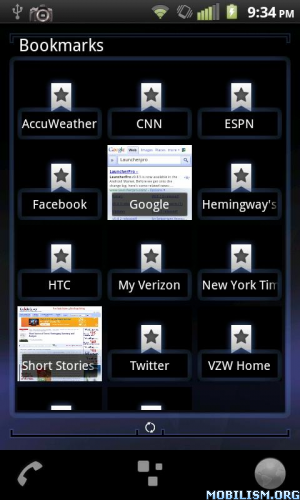 Please read below for instructions and other information! For those that are having force close issues please try the new update (v2.2.5) I think I finally figured it out. Here is a link for the icons and dock in the screenshots: http://bit.ly/fr2u20 I am currently on Spring Break and I have a little amount of time outside of studying for AP Tests to add any changes to the look of the skin that you guys can offer so please email  me if you have ideas or problems. Please note that there is only so much I can do about the space items get in widgets due to the Honeycomb Glow elements. me if you have ideas or problems. Please note that there is only so much I can do about the space items get in widgets due to the Honeycomb Glow elements.Instructions: -Update or Install Launcher Pro to v0.8.5 in the Android Market -Make sure you have Launcher Pro Plus w/ Widgets -Press menu > Preferences > LP Widget Settings > Widget you want to theme > Select Skin -Restart LauncherPro from the Preferences menu unless you restarted with each widget after applying the skin All widgets are Themed What's in this version: Redid the entire Calendar skin because changing certain elements wasn't enough to stop Force Closes. There still might be force closes; I can't promise there won't be even though it runs fine on my HTC Incredible running 2.2. Calendar look is different More Info: Code: https://market.android.com/details?i...HoneyCombTheme Download Instructions: http://www.MegaShare.com/3209715 Mirror: http://www.duckload.com/dl/1Tnf2
__________________
no por mucho madrugar amanece más temprano  
|
|
|
|
 Estás aquí
|
||||||
|
||||||


![Array
[xs_avatar]](https://avatar.htcmania.com/avatares/avatar1415_60.gif)

